If you’ve been following along with my heat-pressing journey, you know I’ve been a loyal user of the original HTVRONT Auto Heat Press since it first launched. So when HTVRONT sent over their brand-new Auto Heat Press 2 to try out, I will admit — I was genuinely excited (and a little nervous about getting it out of the box).
This post walks through my full unboxing experience, what’s included, how the new app and Bluetooth connection work, and my first impressions actually using the machine. I’m also flagging a few things I still need to figure out, because I want this review to be honest, not just hype.
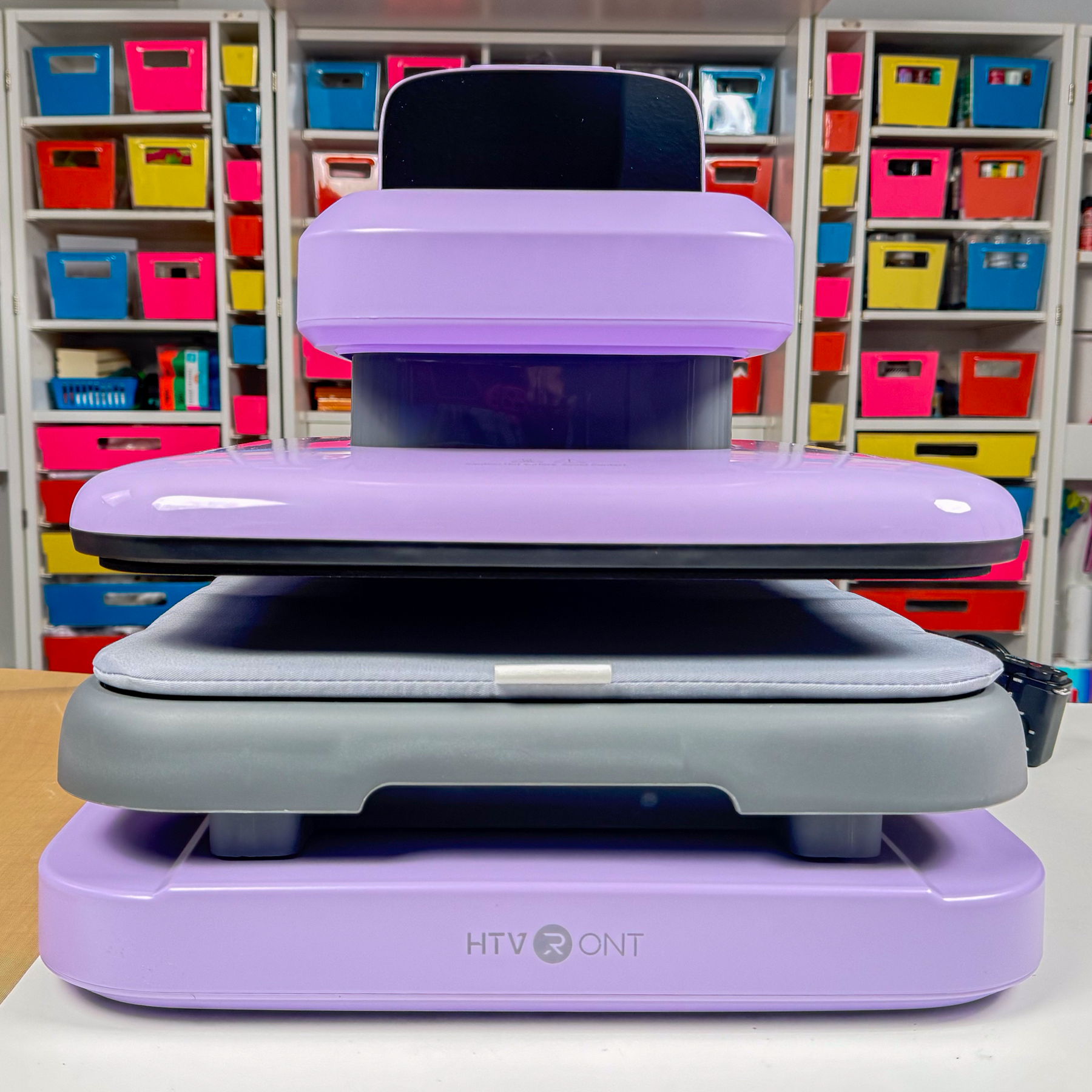
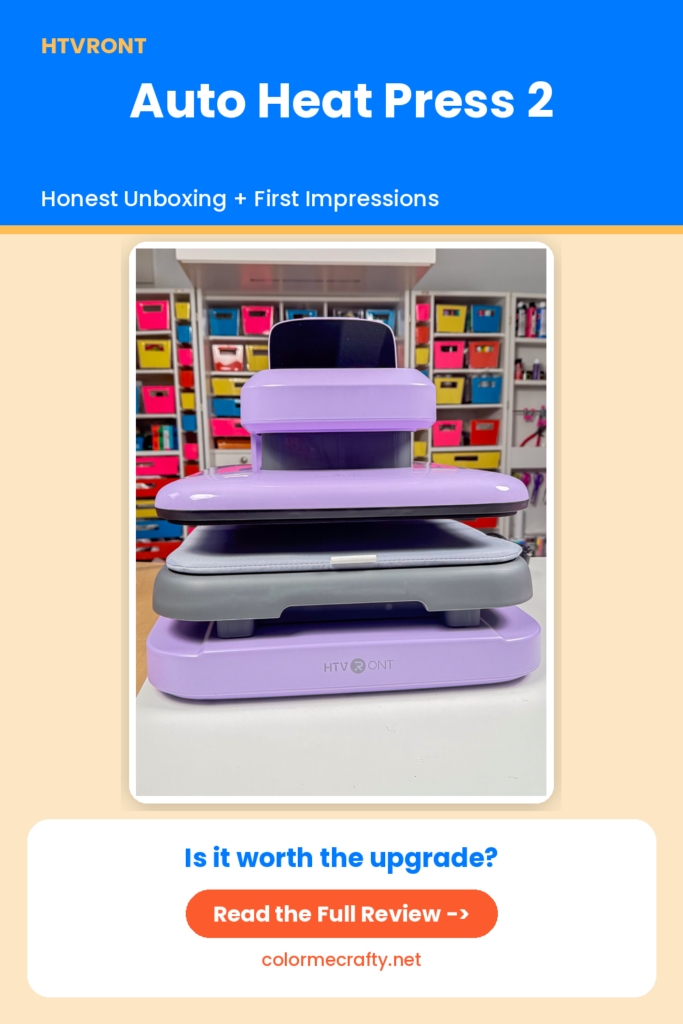
First Impressions: Unboxing the HTVRONT Auto Heat Press 2
Lesson learned right away: don’t try to unbox a heavy heat press on a tall desk. I knew the box had some weight to it, but I still made the mistake of trying to wrestle it open up high instead of bringing it down to the floor first. Once I moved it down and pulled out the protective foam, the unboxing went much smoother.
Inside the box, you’ll find:
- The Auto Heat Press 2 machine itself
- A Teflon sheet for protecting your transfers
- An instruction card with three QR codes
Those three QR codes are worth calling out individually, because HTVRONT clearly thought through onboarding for this machine:
- Usage and maintenance guide — for product care and troubleshooting
- App download — to connect your machine via Bluetooth
- Discord community — to connect with other HTVRONT users
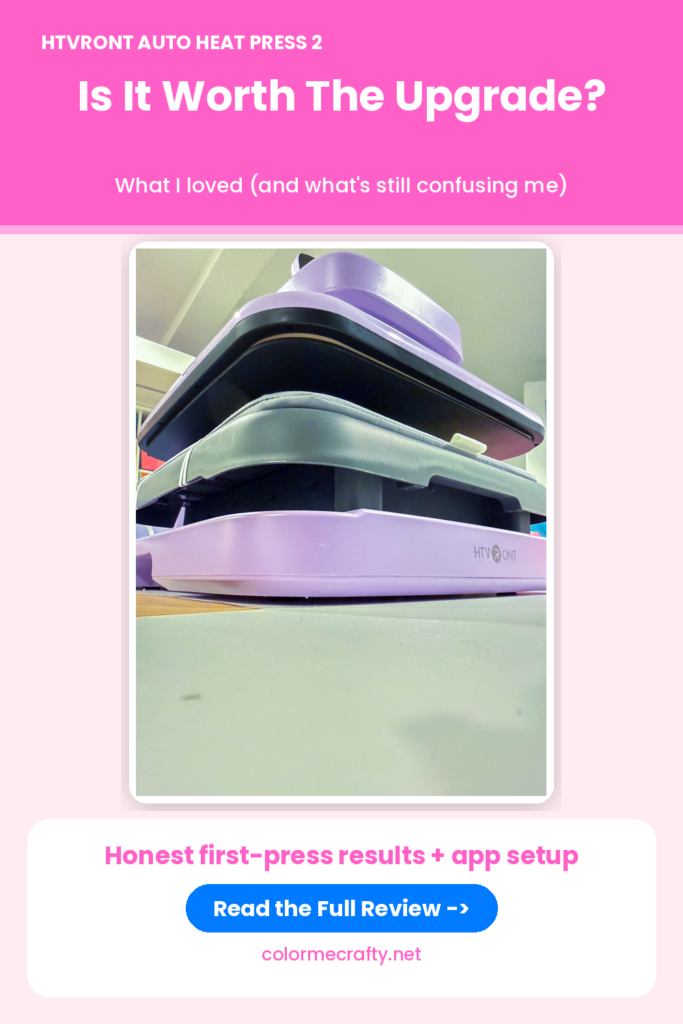
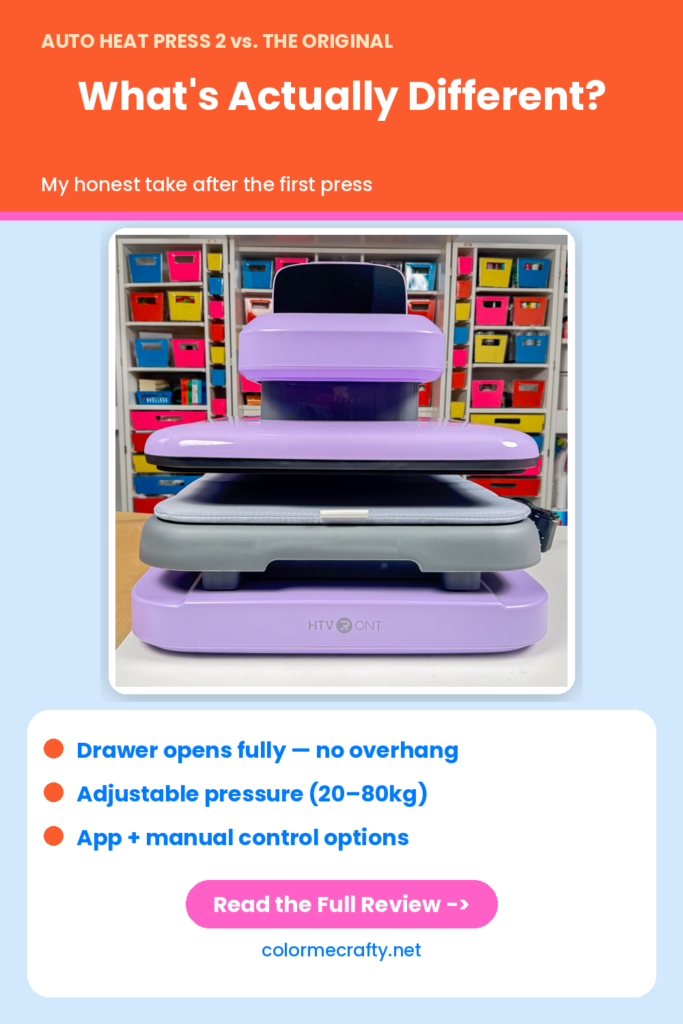
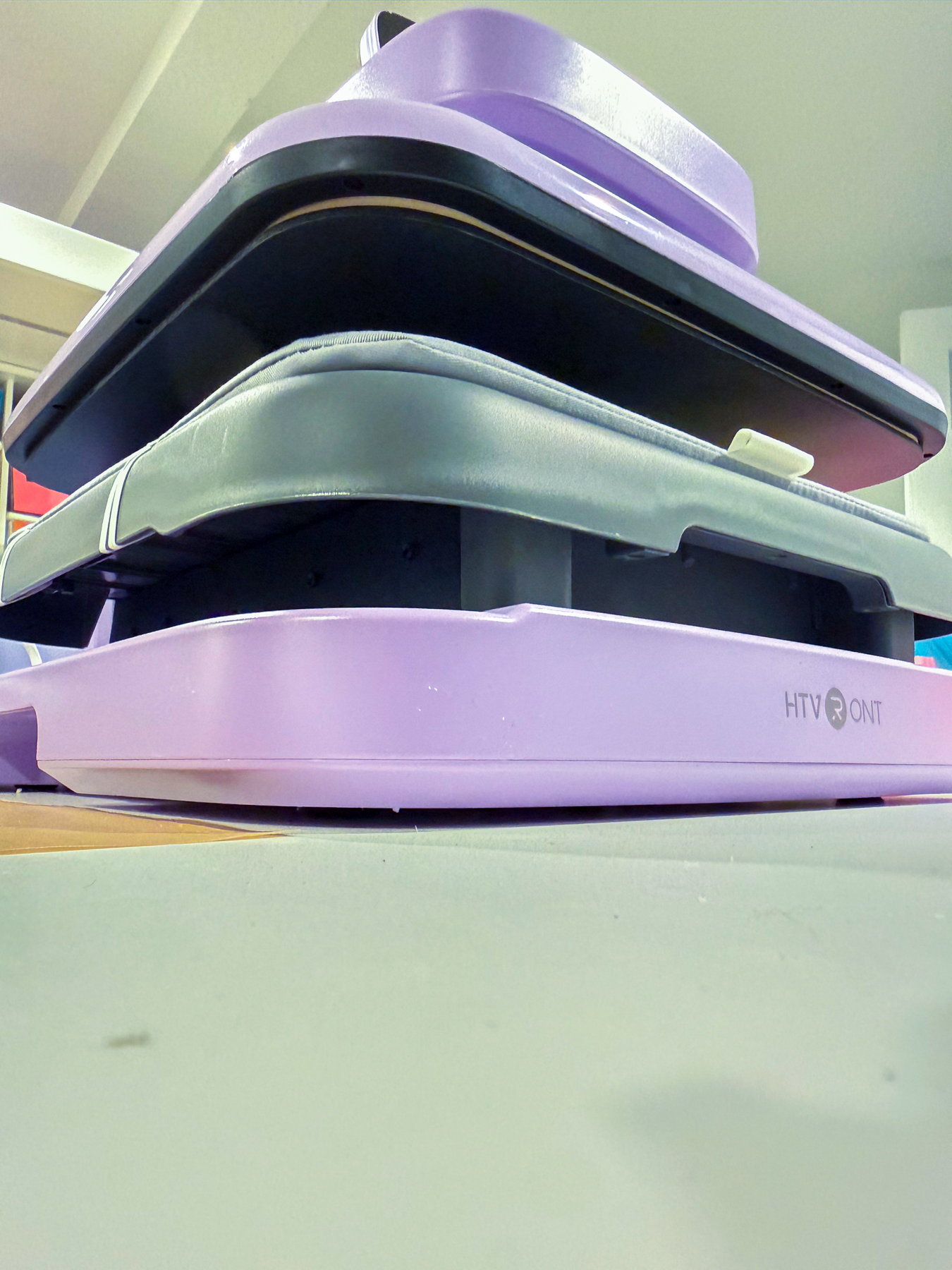
One of the very first things I noticed when I pulled out the drawer was how much more usable space there is compared to the original Auto Heat Press. On my original machine, the heat platen sits over the top of the drawer, which limits how bulky an item you can slide in. On the Auto Heat Press 2, the drawer comes out completely with no overhang, which means hoodies, thicker blanks, and bulkier items have a lot more room to work with.
$50 OFF HTVRONT Auto Heat Press 2 Use Code JAMELA10
Setting Up the HTVRONT App and Bluetooth Connection
After scanning the QR code for the app, the download was simple — it opens straight to your phone’s app store. From there, you’ll walk through the standard permissions and account setup.
Once inside the app, you can search for and connect your device over Bluetooth. A couple of real-world notes from my first setup:
- Make sure the Auto Heat Press 2 is plugged in and powered on before trying to connect — it sounds obvious, but it’s an easy step to skip.
- My phone had a little trouble being detected by the app at first. If you run into the same thing, I’d recommend setting your temperature and time directly from the machine’s control panel while you keep working — you don’t have to wait on Bluetooth to start pressing.
Auto Heat Press 2 vs. the Original HTVRONT Auto Heat Press
Since I’ve used the original Auto Heat Press for years, here’s what stood out as genuinely different with this second-generation model:
| Feature | Original Auto Heat Press | Auto Heat Press 2 |
|---|---|---|
| Drawer clearance | Heat platen overhangs the drawer, limiting bulkier items | Drawer slides out completely with no overhang |
| Pressure control | Fixed/preset pressure | Adjustable pressure (roughly 20–80 kg range), great for puff vinyl |
| Connectivity | Manual controls only | Bluetooth + companion app for temp/time control |
| Max material height | Standard clearance | Supports thicker projects, up to about 4.5 cm |
| Setup | Plug and press | QR-code onboarding, app pairing, Discord community access |
The adjustable pressure setting is the feature I’m personally most excited about. If you’ve ever tried pressing puff vinyl and felt like you couldn’t get quite enough — or too much — pressure with a standard press, having a dedicated pressure dial to dial that in is a big deal for getting consistent, professional-looking results.
My First Press: Putting It to the Test
For my first official press on the Auto Heat Press 2, I needed a shirt ready for my niece’s graduation — so this wasn’t just a test run, it had to actually work. I happened to have a DTF (Direct-to-Film) transfer on hand for that one, but this machine handles HTV, sublimation, and puff vinyl projects just as well — DTF was simply what I grabbed that day.
Here’s what that first press looked like:
- Powered on the machine and let it heat up (setting the temp directly on the press since the app hadn’t located my phone yet)
- Prepped the shirt with a center crease to help line up the transfer
- Pressed, then let it cool slightly before peeling
- Removed the transfer sheet
The result? It came out perfectly pressed — clean adhesion, no peeling or lifting at the edges, and a smooth, even finish straight out of the gate on the very first try.
What I Still Need to Figure Out
In the interest of giving you a fully honest HTVRONT Auto Heat Press 2 review and not just a highlight reel, here’s what I haven’t fully mastered yet:
- What each button on the control panel actually does. Between the power button, the temperature/time settings, and the new pressure controls, there’s a learning curve I’m still working through.
- Whether app control or manual control is more reliable for day-to-day use, since the app didn’t immediately find my phone on the first setup attempt.
I’m planning a full comparison video between the original Auto Heat Press and the Auto Heat Press 2 once I’ve spent more time with the buttons, settings, and (most excitingly) the puff vinyl pressure testing. So if that’s something you want to see, let me know in the comments.
Quick Specs at a Glance
- Press size: 15″ x 15″ heat platen
- Pressure range: Adjustable, roughly 20–80 kg, ideal for fine-tuning HTV, sublimation, puff vinyl, and DTF alike
- Max material height: Up to approximately 4.5 cm, great for hoodies and bulkier blanks
- Connectivity: Bluetooth app control plus manual control panel
- What’s included: Auto Heat Press 2 machine, Teflon sheet, instruction/QR card
- Approximate price point: Around the $350–$575 range depending on the bundle/kit you choose
FAQ: HTVRONT Auto Heat Press 2
What materials does the HTVRONT Auto Heat Press 2 work with? It’s built to handle HTV, sublimation, puff vinyl, and DTF transfers. My first press happened to be a DTF transfer (it’s what I needed that day), and it came out perfectly adhered with no peeling.
Does the Auto Heat Press 2 work with puff vinyl? The adjustable pressure setting (roughly 20–80 kg) makes it a strong candidate for puff vinyl, since you can fine-tune pressure instead of relying on a single fixed setting. I’ll be testing this specifically in an upcoming video.
What’s different between the Auto Heat Press 2 and the original HTVRONT Auto Heat Press? The biggest differences I noticed right away: a drawer that slides out completely without overhang (more room for bulky items), adjustable pressure control, and Bluetooth app connectivity.
Does the HTVRONT Auto Heat Press 2 connect to an app? Yes, there’s a companion app you connect to via Bluetooth using a QR code included in the box. In my experience, the app took a moment to detect my phone, so I’d recommend also getting comfortable with the manual controls.
Final Thoughts
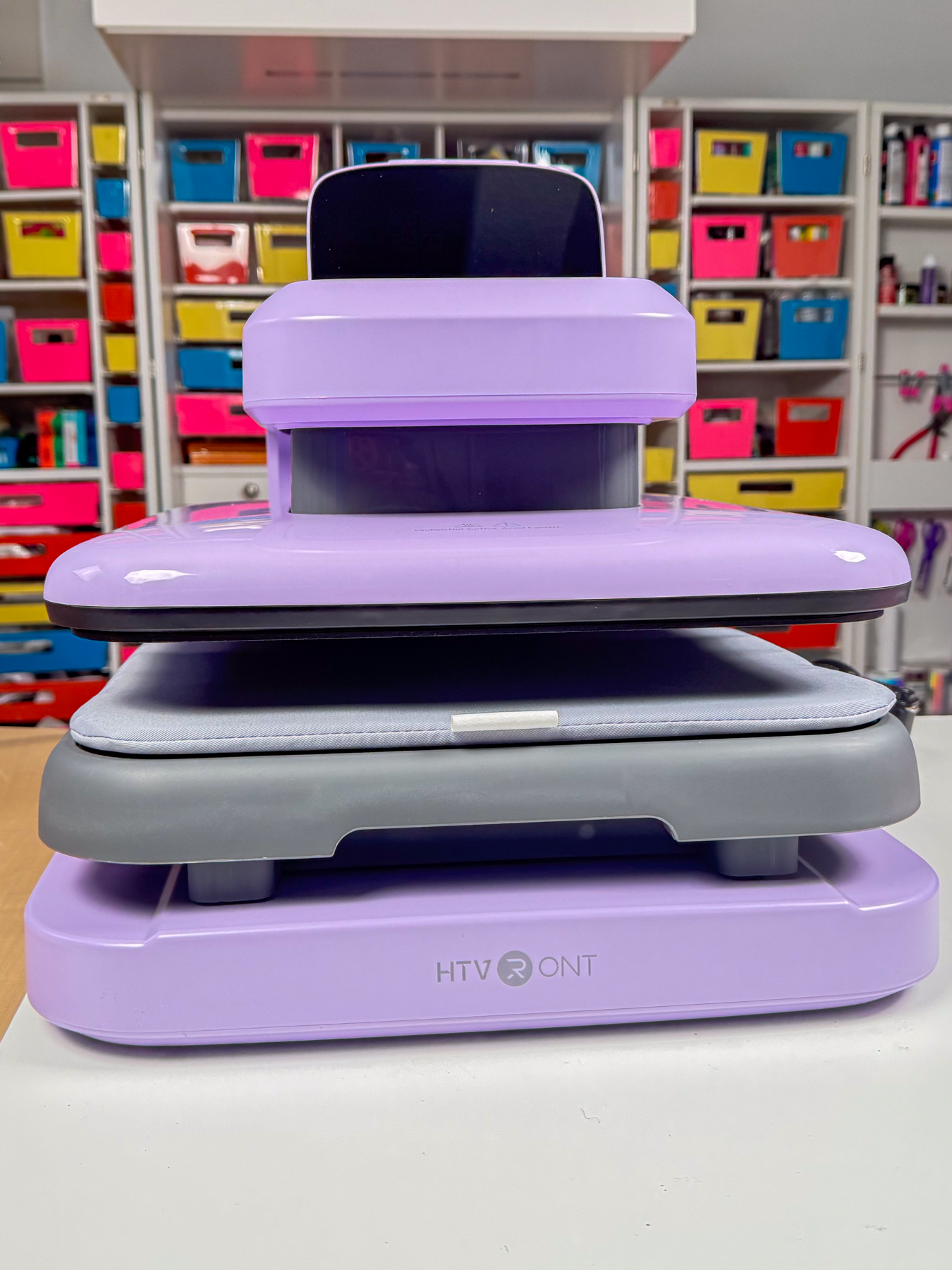
As someone who’s used the original HTVRONT Auto Heat Press for years, the Auto Heat Press 2 already feels like a meaningful upgrade after just one press — more drawer space, adjustable pressure, and app connectivity are all things craft business owners will appreciate. I still have buttons and settings to fully figure out, but that first press came out beautifully, and I’m excited to put it through more testing across HTV, sublimation, and puff vinyl.
If you want to see the full comparison between the original Auto Heat Press and the Auto Heat Press 2 — including puff vinyl testing — drop a comment and let me know, and make sure you’re subscribed so you don’t miss it.
Don’t forget to use my exclusive discount code Jamela10 to take $50 off your new Auto Heat Press 2!
What would you want me to test next on the HTVRONT Auto Heat Press 2? Let me know in the comments below!
Make Sure To Check Out THese Amazing Posts Too!
HTVRont Auto Heat Press | How Does It Measure Up To Cricut Brand