

Last updated: October 2026
This post contains affiliate links. If you buy through them, I may earn a small commission at no extra cost to you.
If you’re shopping for the best CO2 laser cutter for your craft room or small business, I’ve been where you are. When I first wanted a CO2 laser, my Cricut just couldn’t cut or engrave the materials I wanted to work with, so I started researching. That’s how I found OMTech, and I ended up comparing it side by side with the Glowforge. The CO2 laser I use now for larger jobs is my xTool P2.
I’ve updated this guide for 2026 with current specs and new machines: the xTool X1, P2S and P3, the Monport MegaS and the Gweike Cloud Pro II. Here’s a quick look at how they compare, then I’ll walk you through who each machine is really for.
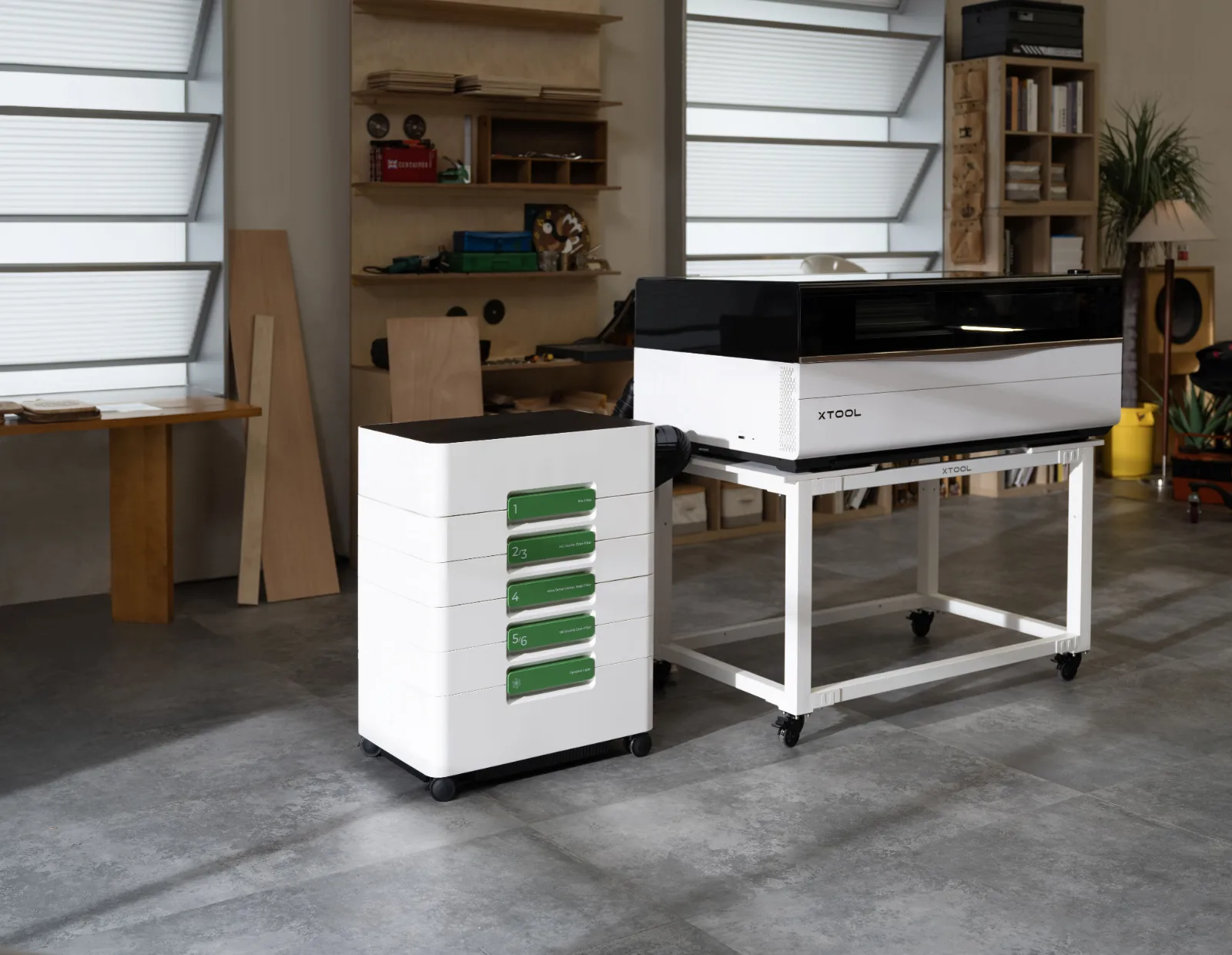

Best CO2 Laser Cutters at a Glance
| Machine | Laser | Work area | Best for |
|---|---|---|---|
| xTool X1 (new) | 55W CO2 + optional galvo, fiber, MOPA or UV | Galvo area 24.2 x 12.6 in | One machine that grows with you |
| OMTech K40+ | 45W CO2 | 8 x 12 in | Lowest price |
| Gweike Cloud Pro II | 50–55W CO2 | 20 x 11.8 in | Budget with a camera and rotary |
| FLUX beamo II | 30W CO2 | 14.2 x 9.4 in | Small spaces |
| OMTech Polar Lite | 55W CO2 | 20 x 12 in | Best value for a home studio |
| Bambu Lab R1 | 55W CO2 | 23.6 x 11.8 in | Easiest setup |
| xTool P2S | 55W CO2 | 23.6 x 12 in, plus passthrough | Best all-around desktop laser |
| Monport MegaS | 70W CO2 | 28 x 14 in | Most power for the price |
| Glowforge Pro HD | 45W CO2 | About 19.5 x 11 in, plus passthrough | Plug-and-play ease |
| Thunder Laser Bolt | 30W or 60W RF CO2 | 20 x 12 in | Water-free pro engraving |
| xTool P3 | 80W CO2 | 36 x 18 in | Small business production and thick materials |
What Is a CO2 Laser Cutter?
A CO2 laser uses a gas-filled tube to create a powerful infrared beam. It’s the workhorse of the laser world for crafters because it cuts and engraves a wide range of organic materials cleanly and quickly, including wood, acrylic, leather, paper, fabric, cork, and rubber. It can also engrave glass, stone, and coated metals.
CO2 Laser vs Diode Laser: What’s the Difference?
Diode lasers are smaller, cheaper, and great for engraving and cutting thin wood. A CO2 laser cuts thicker material faster, handles clear and colored acrylic (diodes struggle with clear acrylic), and is the better fit if you plan to sell what you make. The tradeoff is size, price, and the need for proper ventilation. If you’re curious how the two compare in the same family, see my Glowforge Aura vs Pro comparison. The Aura is a diode, and the Pro is a CO2.
Can a CO2 Laser Cut Metal?
No. A hobby CO2 laser can’t cut metal. It can mark stainless steel and other metals with a marking spray or paste, and it engraves anodized and coated metals, but for bare metal marking you’d want a fiber laser.
What to Look for in the Best CO2 Laser Cutter
- Power (wattage): More watts means faster cutting and thicker material. 40W is fine for thin wood and acrylic. 50–60W is a sweet spot for most crafters. 80W and up is for production work and thick material.
- Work area: Think about the biggest thing you want to make. A small bed limits signs, trays, and batch work.
- Software: Check whether it works with LightBurn or uses its own software. Some brands lock you into theirs.
- Camera: A built-in camera makes it much easier to place designs on your material.
- Safety and ventilation: CO2 lasers create smoke and fumes. You’ll need to vent outside or use an air purifier, and you should never cut materials like PVC vinyl. Here’s why you can’t laser cut vinyl.
- Passthrough: A passthrough slot lets you feed long material through the machine for bigger projects.
xTool X1: Best All-in-One CO2 Laser That Grows With Your Business (New for 2026)
The X1 is xTool’s newest machine and it’s built differently from a typical CO2 laser. It starts as a 55W CO2 laser, and you can add a fast galvo diode plus fiber, MOPA color or UV laser sources later. That means one machine can cut wood and acrylic, then engrave metal, color on stainless or glass as your business grows. It’s on pre-order with shipping starting in late October 2026.
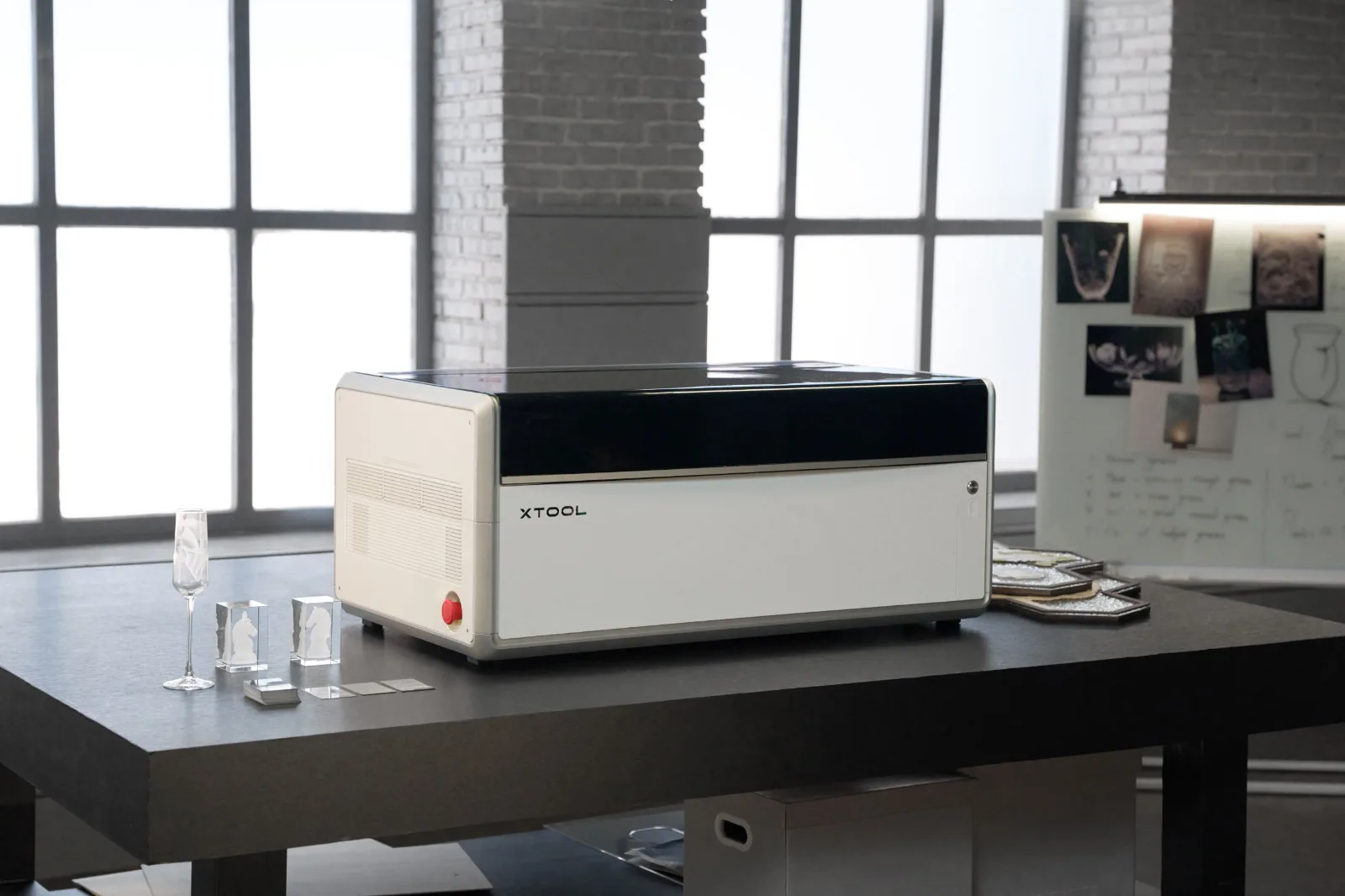
- Laser: 55W CO2, with an optional 20W galvo diode
- Add-on sources: 30W fiber, 60W MOPA or 5W UV (one at a time)
- Speed: Galvo engraving up to 6,000 mm/s for fast batch jobs
- Features: Triple-camera alignment, AutoLift base, CO2 and galvo jobs in one xTool Studio project
- Software: xTool Studio
Pros: One machine covers cutting plus metal, color and glass, and the galvo makes batch engraving fast. Cons: Fully kitted it costs well over $5,000. Swapping sources takes setup time, and it hasn’t shipped yet, so real-world reviews are still coming.
Who it’s for: Sellers who want to offer more product types without buying several machines. See the xTool X1 at xTool
OMTech K40+: Best CO2 Laser for Beginners on a Budget
If you want to start small, the 45W OMTech K40+ is the most affordable way into CO2 laser cutting. It’s compact, and you can still get high-quality engraving and cuts on thin materials.
- Laser: 45W CO2
- Work area: 8 x 12 in
- Software: Comes with LaserGRBL; LightBurn is a paid upgrade
Pros: Low price, small footprint, and now works with LightBurn. Cons: Small work area, slower speeds, no passthrough, and more hands-on setup than plug-and-play machines.
Who it’s for: A CO2 laser cutter for beginners who want to learn without a big investment. See the OMTech K40+ at OMTech
Gweike Cloud Pro II: Best Budget CO2 Laser With a Camera
If the K40+ feels too bare-bones, the Gweike Cloud Pro II is a step up that still keeps the price down. It’s fully enclosed, has a camera for placing designs, and comes with a rotary in the box, which is rare at this price. I haven’t used this one myself, so this section is based on research and Gweike’s published specs.
- Laser: 50W or 55W CO2
- Work area: About 20 x 11.8 in
- Features: 5MP camera with AI positioning, rotary included, bottom-feed design for longer material
- Software: Gweike’s app, plus LightBurn support
Pros: Low price for an enclosed camera laser, rotary included for tumblers. Cons: Camera-assisted focusing instead of true autofocus, and a smaller company than OMTech or xTool.
Who it’s for: Beginners who want a camera and a rotary without spending Glowforge money. See the Gweike Cloud Pro II
FLUX beamo II: Best Compact CO2 Laser for Small Spaces
The beamo II is a small, fully enclosed CO2 laser made for a craft room or spare corner. It won’t cut thick stock, but it handles the wood, acrylic, leather and paper projects most crafters sell.
- Laser: 30W CO2, with an optional 2W infrared module for marking metal
- Work area: 14.2 x 9.4 in
- Features: Autofocus, red-dot framing and an 8MP camera
- Add-ons: Rotary, an extension base for taller items and an auto feeder
- Software: Beam Studio, or LightBurn
Pros: Small footprint, Class 1 enclosure and easy software. Cons: Small bed and only 30W, so it cuts thin material and can’t fit bigger signs or boards.
Who it’s for: Crafters with limited space who want a CO2 laser for small products. See the FLUX beamo II
OMTech Polar Lite (55W): Best Value CO2 Laser for a Home Studio
This is the size I went with when I bought my first CO2 laser. The Polar has a much bigger bed than the K40 and roughly the same footprint as a Glowforge, at a lower price. OMTech’s current version is the 55W Polar Lite, with the same bed size, autofocus and a built-in camera.
- Laser: 55W CO2 glass tube
- Work area: 20 x 12 in
- Features: Autofocus and a 5MP camera for placing designs
- Software: LightBurn
Pros: Great power and work area for the price, LightBurn support, and strong value for crafters who want room to grow.
Cons: More of a learning curve than a Glowforge, and you’ll want to plan for ventilation.
Who it’s for: Hobby crafters and new sellers who want real cutting power without a premium price. If you want finer engraving detail and a bigger 28 x 14 in bed, OMTech also makes the Polar 2, in a 70W glass tube or 50W RF version, at a higher price. See the OMTech Polar at OMTech
Want to step up? OMTech also makes the Polar 2, with a bigger 28 x 14 in bed and a choice of a 70W glass tube or a 50W air-cooled RF tube. The RF version skips the water upkeep and lasts much longer, but costs more.
Bambu Lab R1: Easiest New CO2 Laser to Set Up
The R1 is Bambu Lab’s first CO2 laser, launched in fall 2026. If you already own a Bambu 3D printer, the software and Wi-Fi setup will feel familiar. Its big selling point is automatic laser alignment, so there are no mirrors to tune by hand.
- Laser: 55W CO2
- Work area: 23.6 x 11.8 in, up to about 118 in long with the optional riser base and conveyor
- Features: Automatic alignment, overhead and toolhead cameras, cuts sticker outlines very precisely
- Cuts: Up to about 18 mm plywood and 20 mm acrylic, according to Bambu
- Software: Bambu’s own software over Wi-Fi
Pros: Easy setup, strong cameras and a great price for 55W. Cons: It’s brand new, so long-term reviews are still coming. It’s heavy and loud, and thicker cuts need a lens swap.
Who it’s for: Crafters who want a capable 55W laser without a learning curve on setup. See the Bambu Lab R1
xTool P2S: Best All-Around Desktop CO2 Laser
The xTool P2S replaced the P2 in 2026. I own and use the original P2 in my studio, and the P2S keeps everything I like about it (the cameras, the software and the passthrough) with upgrades on top. If I were buying one desktop CO2 laser today for a craft business, this is the one I’d look at first.
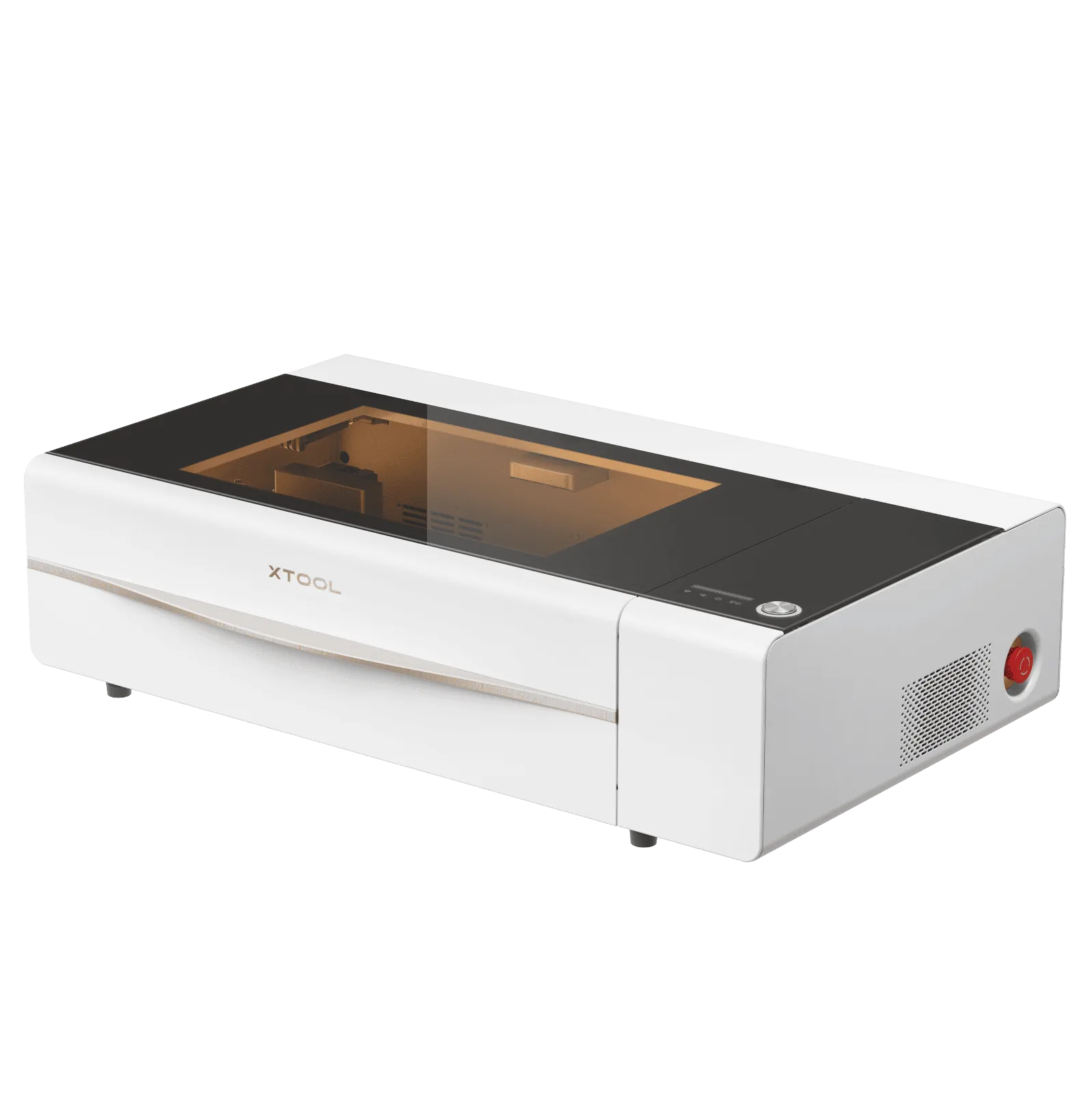
- Laser: 55W CO2
- Work area: 23.6 x 12 in
- Features: Dual 16MP cameras, LiDAR autofocus, AutoPassthrough for material up to about 118 in long
- Add-ons: Rotary for tumblers and a conveyor feeder for batch jobs
- Software: xTool Studio and LightBurn
Pros: Excellent cameras and autofocus, passthrough for long signs, and a big add-on ecosystem. Cons: Costs more than OMTech or Monport machines with similar power.
Who it’s for: Crafters and sellers who want a polished, easy machine with room to grow. Read my xTool P2 review for what it’s like to use day to day. See the xTool P2S at xTool
Monport MegaS: Most Power for the Price
The Monport MegaS is Monport’s 70W desktop laser and a direct rival to the xTool P2S, with more power and a bigger bed for a lower price. I haven’t used the MegaS myself, so this section is based on Monport’s published specs.
- Laser: 70W CO2
- Work area: 28 x 14 in
- Features: 8MP camera, autofocus, speeds up to 600 mm/s
- Add-ons: Optional rotary and conveyor
- Software: LightBurn
Pros: Lots of power and bed space for the money, and LightBurn support. Cons: No passthrough listed, and the camera and software aren’t as polished as xTool’s.
Who it’s for: Small businesses that want to cut thicker material and run bigger batches without jumping to a P3-size machine. See the Monport MegaS
Glowforge Pro HD: Easiest CO2 Laser to Learn
The Glowforge Pro is the machine a lot of crafters compare everything else to. It’s known for being beginner friendly, with a camera, browser-based software, and a clean, simple setup. The original Pro is no longer sold new (Glowforge only sells certified rebuilt units when they have them), so the current version is the Glowforge Pro HD, with a sharper HD camera and faster speeds.
Heads up: Glowforge went through a restructuring in 2025 and is now run by its co-founders. Machines are often sold out, so check stock, warranty and support before you buy.
- Laser: 45W CO2
- Work area: About 19.5 x 11 in, with a passthrough slot for longer material
- Software: Glowforge’s own browser-based app
- Price: The most expensive machine on this list, around $8,000 new
Pros: Very easy to learn, built-in HD camera, and passthrough with auto-tracking for long projects. Cons: Higher price for the power you get, and you’re tied to Glowforge’s software and subscription features. For a deeper look, see my Glowforge Aura vs Pro comparison.
Who it’s for: Crafters who want the easiest learning curve and don’t mind paying for it. See the Glowforge Pro HD
Thunder Laser Bolt: Best Water-Free RF CO2 Laser for Pros
The Bolt is a desktop laser with an RF tube instead of a glass tube. RF tubes are air-cooled, so there’s no water chiller to maintain, and they’re known for very fine engraving detail and long life. It’s a business-level investment.
- Laser: 30W or 60W RF CO2
- Work area: 20 x 12 in
- Features: Autofocus, camera, motorized Z, touchscreen, up to 2,000 DPI engraving
- Included: LightBurn and a rotary
- Support: 2-year warranty and US-based support
Pros: No water cooling, sharp engraving detail and strong US support. Cons: Expensive for its bed size, so it only makes sense for a busy business.
Who it’s for: Established sellers who engrave all day and want a low-maintenance machine. See the Thunder Laser Bolt
xTool P3: Best 80W CO2 Laser for Small Business Production
The xTool P3 is xTool’s new flagship CO2 laser, released in September 2025. I haven’t used the P3 myself, so this section is based on my research and xTool’s published specs. I own and use the xTool P2, so I’m familiar with xTool’s software and how their CO2 machines work.
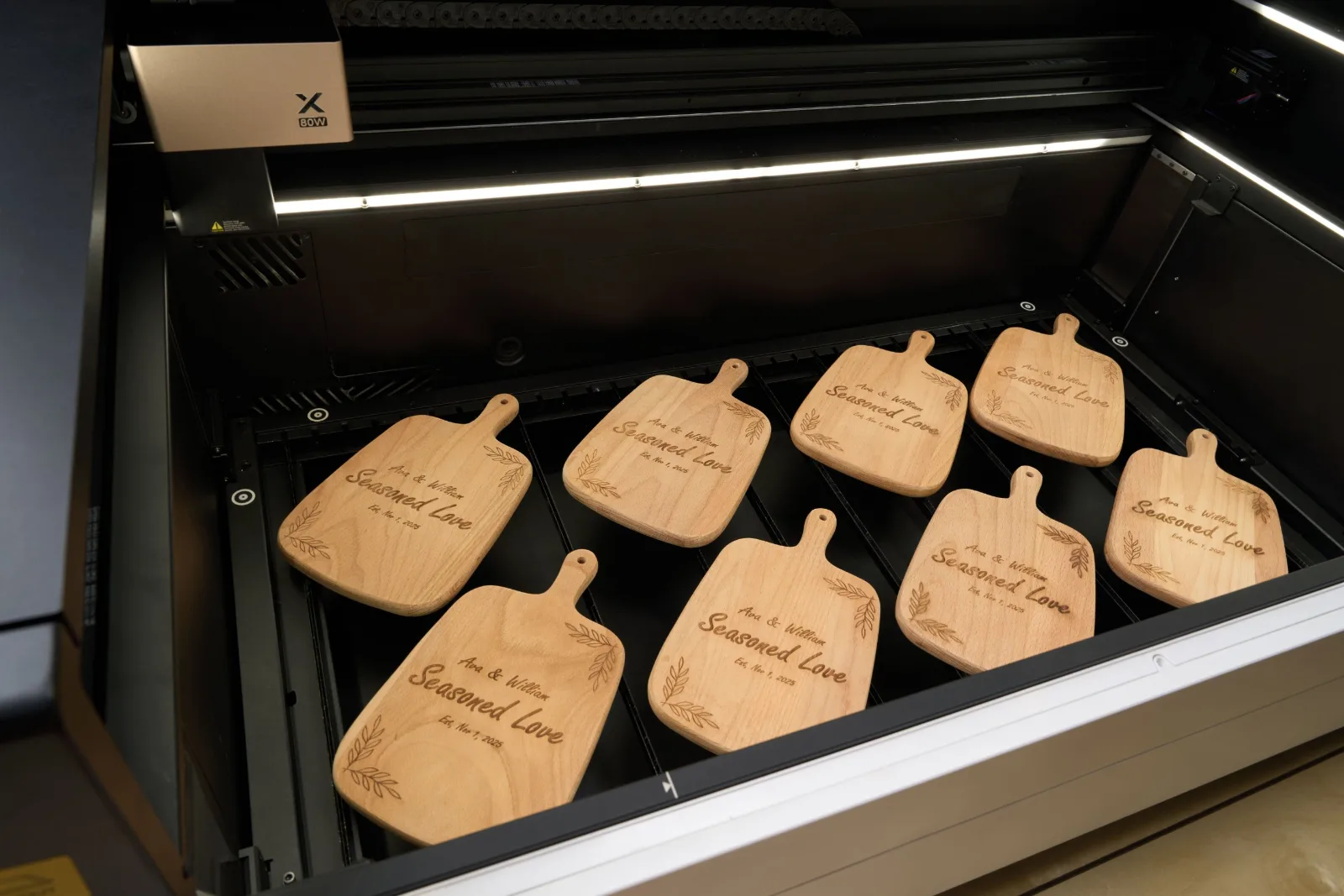
- Laser: 80W CO2
- Work area: 36 x 18 in, fully enclosed
- Cutting: Up to 20 mm basswood and 25 mm acrylic in a single pass, according to xTool
- Speed: Up to 1,200 mm/s
- Smart features: Multiple cameras, LiDAR positioning, autofocus, flame detection, and AI design tools in xTool Studio
- Add-ons: Conveyor feeder for long projects, rotary for tumblers and other round items
- Size: About 231 lb, so it needs a dedicated space
Pros: Huge enclosed work area, thick-material cutting, fast speeds, built-in safety features, and camera-based positioning. Cons: Very large and heavy, a big investment, and the mobile stand is sold separately.
Who it’s for: Small businesses doing production runs, large signs, or thick wood and acrylic, and anyone who has outgrown a desktop CO2 laser. If you’re comparing it with other xTool machines, my xTool laser comparison guide and xTool P2 review are good next reads. See the xTool P3 at xTool
What Is the Best CO2 Laser for a Small Business?
It depends on what you sell. If you make small items like ornaments, keychains, and earrings, a 55W machine like the OMTech Polar Lite or xTool P2S handles most small-business work. If you want more power without going huge, the 70W Monport MegaS sits right in between. If you’re making large signs, cutting thick material, or running batches all day, an 80W machine with a bigger bed like the xTool P3 saves real time. In my own business, most of what I sell at events is small and personalized, so a mid-size machine covers almost everything.
Before you buy, make sure your prices cover the machine. My guide on how to price handmade products walks through it.
Black Friday CO2 Laser Deals
Laser prices change constantly, especially around Black Friday and Cyber Monday. I’ll update this section with the best CO2 laser deals as Black Friday sales go live, so bookmark this page and check back. Always check the brand’s site before you buy, because deals can end without notice.
My Pick for the Best CO2 Laser Cutter
For most crafters, a 55W OMTech Polar Lite is still the best value, and the xTool P2S is my pick if you want the easiest, most polished desktop machine. It gives you real cutting power, a good-size bed and LightBurn for a lot less than a Glowforge. If you want the easiest learning curve and don’t mind paying more, go with the Glowforge Pro HD. And if you’re running production for a growing business, cutting thick material or making large signs, the xTool P3 is the upgrade to look at.
Best CO2 Laser Cutter FAQ
What is the best CO2 laser cutter for beginners?
For a tight budget, the OMTech K40+ is the most affordable way to start, and the Gweike Cloud Pro II adds a camera and rotary for a little more. For the easiest learning curve, the Glowforge Pro HD is hard to beat. If you want room to grow, a 55W machine like the OMTech Polar Lite or xTool P2S is a strong middle ground.
Is a CO2 laser better than a diode laser?
For cutting thicker wood and acrylic quickly, yes. A diode laser is smaller and cheaper and works well for engraving and thin materials, but a CO2 laser is faster and more versatile for most craft businesses.
What wattage CO2 laser do I need?
40W handles thin wood and acrylic. 50–60W covers most hobby and small business projects. 80W and above is for cutting thick material and production work.
Can a CO2 laser cut metal?
No. Hobby CO2 lasers can’t cut metal. They can mark metal with a marking spray and engrave coated or anodized metal.
Do I need ventilation for a CO2 laser?
Yes. CO2 lasers create smoke and fumes, so you’ll need to vent outside or use a compatible air purifier.
Have a question about choosing a CO2 laser? Leave it in the comments and I’ll help you figure out which one fits what you make.



I purchased a Boss only because of the support. But, I have heard about Omtech lately. We will see how they grow. thank you
I’m so excited to get my hands on a CO2 laser cutter! This will be so helpful for my crafting projects!